
A cannabis journal that remembers what worked.
The strain that helped you unwind last spring, the edible that hit far harder than expected, the vape you meant to buy again: they are easy to forget and hard to find twice. A cannabis journal fixes that. Write down what you had, how much, and how it felt, every time, and the pattern of what works for you shows up on its own. WeedCentral is that journal, in a free app.
Android is in beta. Join it from the home page.
What goes into a check-in
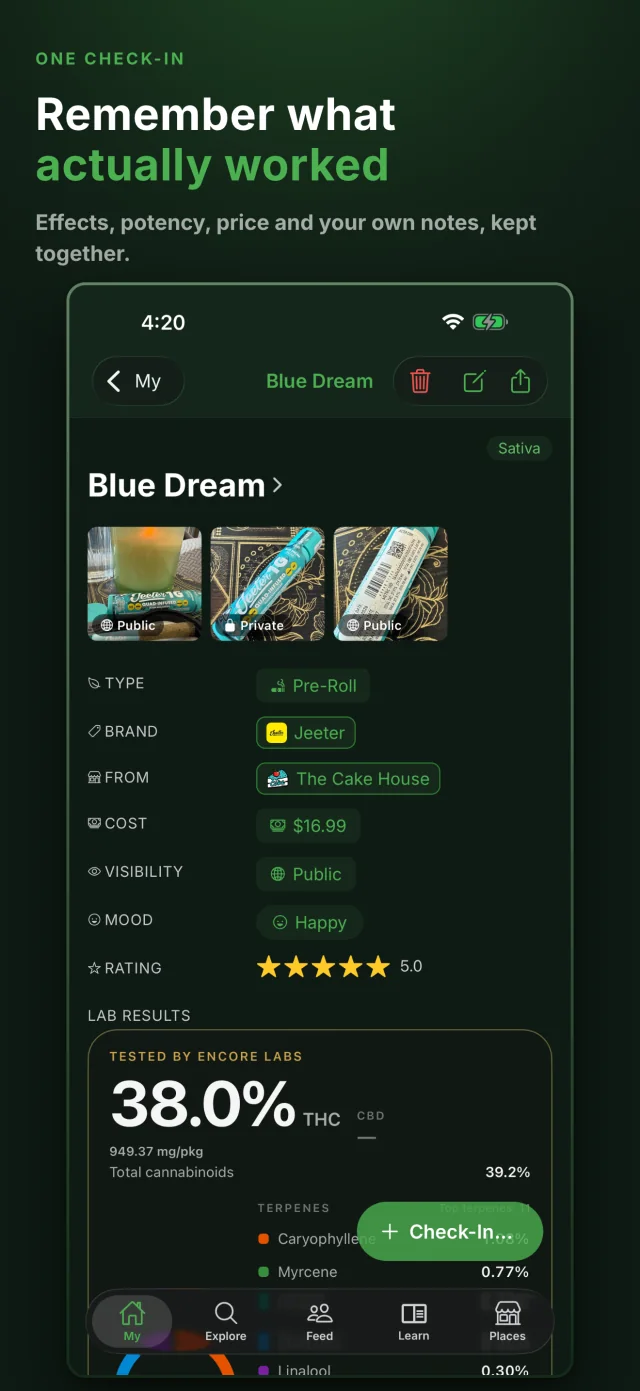
Each session you log is a check-in. It takes a few seconds, and every field except the strain is optional.
- The strain, picked from a catalog of 12,000+, so the type, terpenes and lineage come along with it.
- The product type: flower, vape, edible, concentrate, oil, topical or pre-roll.
- A star rating and your moods, from Relaxing and Creative to Racing thoughts.
- Notes for the details that matter later: onset, dose, taste, the setting, what you would change.
- Photos, the price you paid, and who made it: the brand, the farm that grew it and the place you bought it.
The date and time are saved for you. Leave the mood empty if you are still enjoying it, and the app can remind you about 90 minutes later to add how it landed.
From entries to patterns
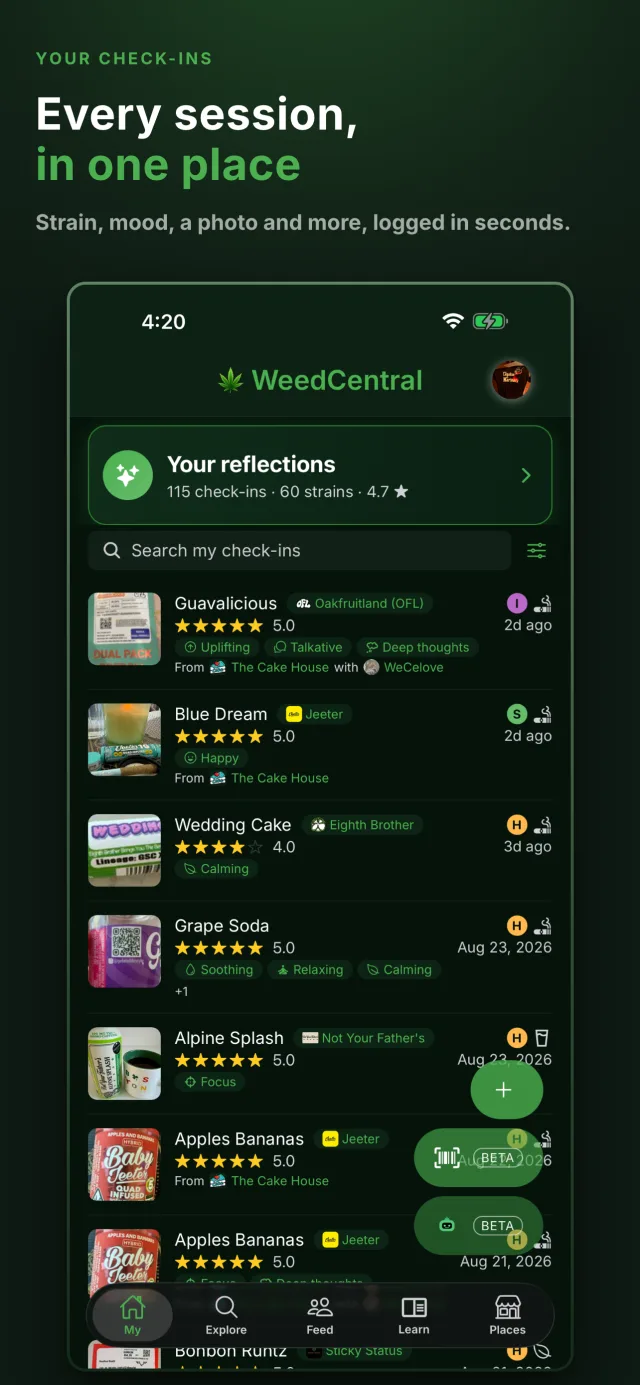
A few check-ins in, your reflections start reading them back to you. They are built only from your own ratings and moods: the strains that worked for you and the ones that did not, which product types suit you, when you usually consume, the terpenes in your best sessions, and what you spent.
Search your check-ins by name, or filter them by rating, type and mood, and a favorite from months ago is a tap away. The Check-In Again button re-logs a session you repeat often.
Log it straight from the label
With Premium, Smart Scan reads the QR code on a package and finds the lab report behind it: the THC and CBD figures, the full cannabinoid and terpene panels, and the safety panels the lab ran. One tap turns that report into a check-in, so your journal holds what was actually in the jar, not just what the label said. How lab reports work where you live.
You decide who sees each entry
A check-in is visible to other WeedCentral users unless you mark it Only me, and the first time you save one the app asks which you want. You can hide individual photos and the price you paid on their own, and change your mind on any check-in later. WeedCentral shows no ads and does not sell your data. You can delete your account, and every check-in and photo with it, at any time. The details are in the privacy policy.
How to keep a cannabis journal
The habit matters more than the tool. These five steps work on paper too.
- Log every session, including the bad ones. The misses teach you as much as the favorites, and a journal of only good nights cannot tell you what to avoid.
- Write it down while it is fresh. Log the strain and type when you start, then add your mood and rating once you know how it went.
- Note the amount. The same strain feels very different at one puff and at five, or at 5 mg and at 20 mg.
- Record the setting. Tired or rested, alone or with friends, before bed or before a hike: context explains a lot of surprises.
- Read it back. After ten or so entries, look for the strains, types and terpenes that keep showing up in your best sessions.